Nutrition, in the flow of life.Wear it. Say it. Log it.

Illustrative nutrition example
Invented meal example
Calories
Protein
Carbs
Fat
Serving
6-inch

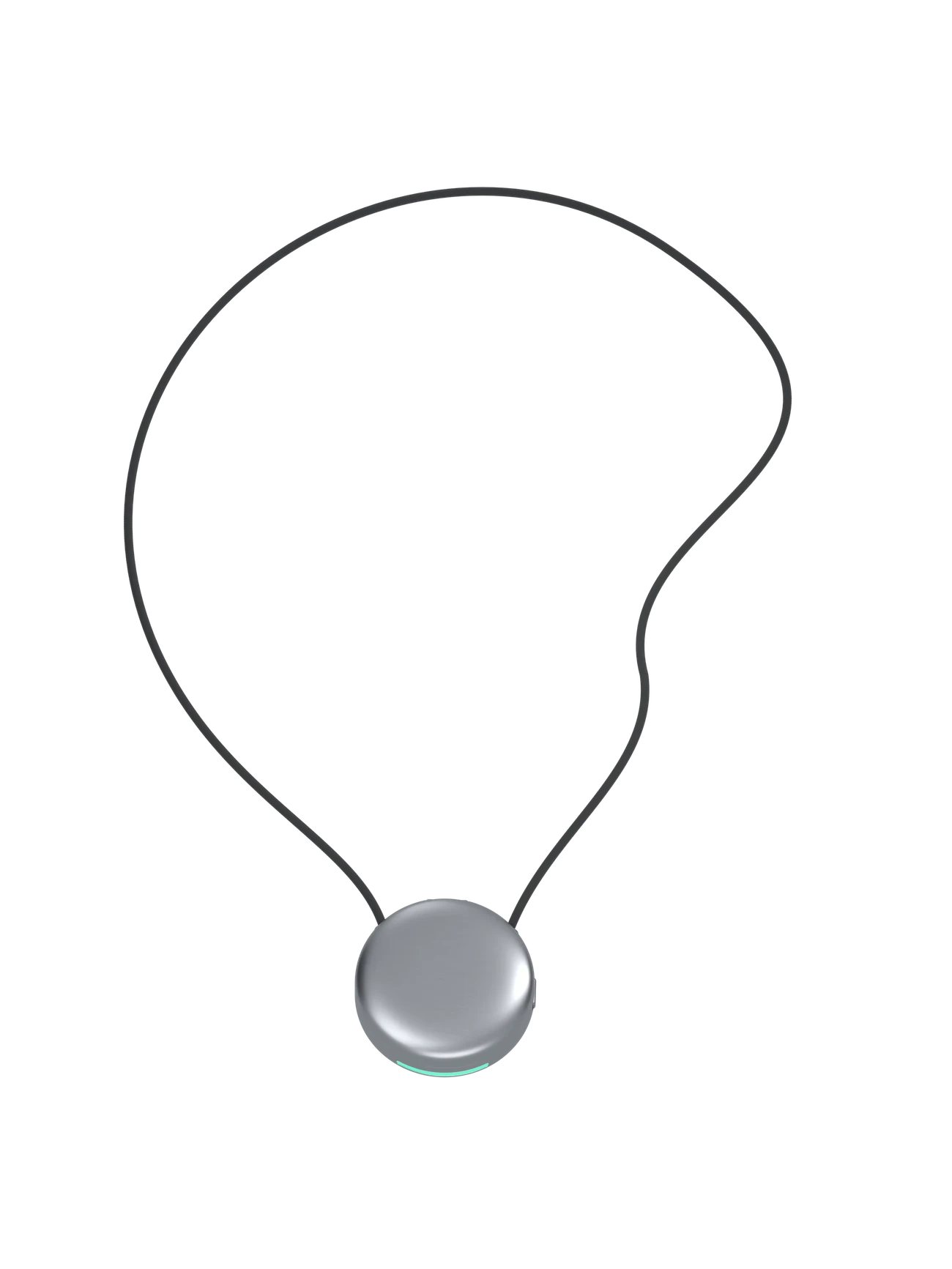
Meet the Pod, an AI-assisted nutrition logging necklace in development from Aspera. Explore the intended experience: describe a meal, then review a suggested food entry in the Pod app.

Your everydaySteps 1–3

A meal. A few words.A little more clarity.

The intended experience: hold the Pod, say what you ate, and release. The Pod is designed to capture the moment; the Pod app would prepare a meal entry for you to review.

Capture example

The planned capture flow: press and hold, describe the food and how much you ate, then release to finish. You choose when to record.

Pod pendant raised, released, and settling on a surface

Meals

Breakfast at home, lunch between meetings, dinner with friends. Describe your meal in your own words, with the ingredients and portions you remember.

Meal details

The Pod app is designed to prepare a suggested food entry from your recording. The intended next step: check the foods and portions, fill in anything unclear, and confirm the entry.

Inside the PodSteps 4–6

Made to be worn.Designed around your day.

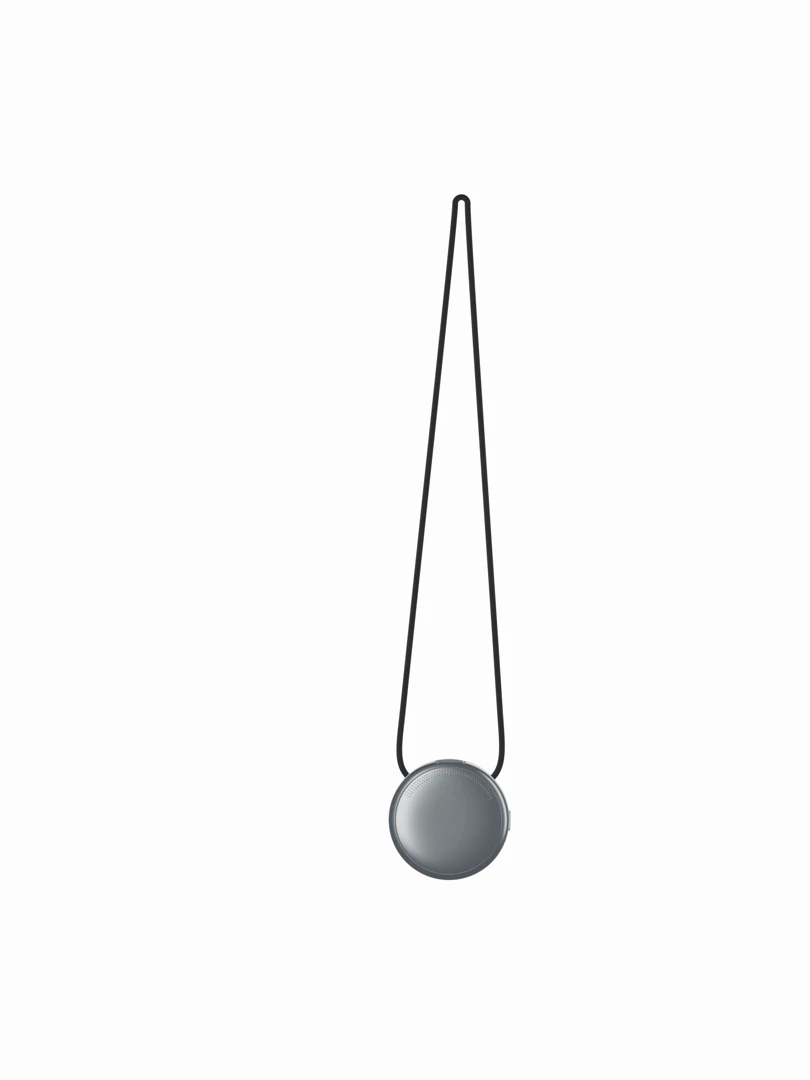
The Pod is a small necklace with a simple purpose: capture a spoken meal while life carries on. These renders show the intended design. The planned Pod app experience would turn your words into a food entry you can check.

Your words become a meal log.

“I had two chapatis, a bowl of dal, and a glass of milk.” Start with a description like this. The Pod app is designed to identify the foods, look up estimated nutrition, and ask about unclear amounts. You review the result.

Sources & limitations

Food References

Published resources on food composition and dietary assessment. These sources do not validate the Pod or imply an affiliation with Aspera.

USDA Agricultural Research Service · Food composition databaseFoodData Central

FoodData Central provides nutrient and food composition records. Its data types include laboratory-based Foundation Foods, survey foods, manufacturer-supplied branded-food labels, and historical SR Legacy records.

The source and method vary by record. A database value does not establish the composition of your particular meal or the accuracy of the Pod.

Read the original source (opens in a new tab)
USDA Agricultural Research Service · Foods, portions and recipesFood and Nutrient Database for Dietary Studies

FNDDS provides nutrient profiles, portions and recipe information for foods and beverages reported in What We Eat in America, the dietary component of NHANES.

These are reference profiles. Matching a homemade dish still requires information about ingredients, preparation and amount.

Read the original source (opens in a new tab)
National Cancer Institute · Dietary assessment guidanceFood Record at a Glance

Food records describe foods and drinks consumed, including details such as preparation and portion size. Linking entries to a food composition database enables nutrient estimates.

Keeping a record can change eating behavior, and reporting quality can decline over time. This guidance does not test voice logging or the Pod.

Read the original source (opens in a new tab)
National Cancer Institute · Limits of dietary self-reportKey Concepts about Measurement Error

Reported intake can differ from actual intake. Measurement error must be considered when interpreting dietary records and estimating long-term intake.

Reviewing an entry does not guarantee that its foods, portions or nutrient estimates are correct.

Read the original source (opens in a new tab)
National Cancer Institute · How dietary methods are evaluatedKey Concepts about Validation

Validation compares a dietary assessment method with reference measures, such as direct observation, feeding studies or suitable biomarkers, using an appropriate study design.

Aspera has not established the Pod’s nutrition accuracy or health benefits. These external references are background information, not results from a Pod validation study.

Read the original source (opens in a new tab)

Sources checked September 12, 2026. The portion chart below uses the cited USDA record. The meal-context illustration and app previews are examples, not study results.

The references above explain food composition and dietary assessment. The USDA portion example below uses a cited food record. The meal-context graphic and app previews are illustrations; they are not evidence of product accuracy.

The details make the meal.

A dish name is a starting point. Ingredients, preparation, and portion size help describe what you actually ate. Keep those details together so the suggested entry is easy to check.

Move from d = 2 to d = 6 below. Each step adds a detail and shows another way to understand the same meal.

The meal context

  • Portion
  • Preparation
  • Portion size
Description
The same food can appear in different meals and preparations. Keeping those details together gives the daily summary a clearer connection to each meal.
Example
Consider roasted vegetables at lunch. The food and preparation are familiar on their own; the meal record also keeps track of where they belong in your day.
Why it matters
Meal context brings food, preparation, and timing together. These details help organize a personal review and make incomplete entries easier to spot.

This is a fictional meal-context illustration. The lines do not represent participant data or measured relationships. The controls below show how many mathematical combinations are possible; they do not model nutrition accuracy.

Details considered
Detail depth
166,650combinations from depth 2 through 3
83.1M hypothetical assignments from depth 2 through 3, at 8 options per detail

The counts sum C(n, k) from k = 2 through the selected depth. The second count assumes eight possible values per detail and weights each term by 8 to the power k. These are hypothetical combinations, not observed meals or a validated Pod model.

The daily picture starts with individual meals. Keep each entry connected to its food and portion details, so you can return to the information behind a total.

See the meal and the day.

Review a single meal or step back to see your day. A meal view keeps foods and portions close to their estimated nutrition; the daily view brings confirmed entries together.

USDA food composition example

A portion changes the estimate.

Bananas, raw · edible portion, without peel

Estimated energy · kcal
100 g reference
89.0 kcal
150 g portion
133.5 kcal

Both bars use the same scale: 0–200 kcal.

Nutrients for the selected portion
NutrientPer 100 gPer 150 g
Energy89.0 kcal133.5 kcal
Protein1.09 g1.64 g
Carbohydrate22.84 g34.26 g
Fat0.33 g0.49 g
Fiber2.60 g3.90 g

Calculation: value per 100 g × portion weight ÷ 100. Values are rounded for display; energy uses USDA’s reported value. Portion weights here are chosen examples, not recommended servings. Individual foods vary.

USDA FoodData Central: Bananas, raw ↗ · FDC 173944 · SR Legacy · published April 1, 2019; checked September 12, 2026. SR Legacy is a historical dataset.

This demonstrates portion arithmetic. It does not measure the Pod’s recognition, portion estimation or nutrition accuracy.

The numbers are one part of the meal. Keep your own notes alongside them, from a shared dinner to a change in your usual routine.

You have the final say.

A recording is the start of an entry. The Pod app proposes the foods and estimated nutrition; you check the portions, correct the details, and confirm what belongs in your log.

The experience keeps two moments distinct: saving your recording and confirming your meal entry.

Capture in the moment

Press, speak, release. The Pod is designed to save the recording locally, including when your phone is out of reach.

The planned Bluetooth connection transfers saved recordings when your phone reconnects. A saved recording becomes a meal entry after processing and your review.

Review in the Pod app

Open the suggested entry in the Pod app. Check the foods, clarify the portion, and confirm the meal.

Return to your entries when you want to understand a day. Your notes keep the summary connected to the meals you remember.

A day with the Pod, from breakfast to dinner.

Meals, in your own words

“Oats with milk and a banana.” “A sandwich and a coffee.” “Rice, dal, and vegetables.” Everyday words are the starting point; review turns the suggestion into your food log.

Explore your nutrition
Your perspectiveStep 7

Your meals add up.The patterns emerge.

From a few spoken words to a meal entry you have checked. Explore the sample log below to see how meals and estimated nutrition can come together in a daily view.

Reflection

See a sample daily review, then return to the food and portion details behind each entry. The example values illustrate the experience.